






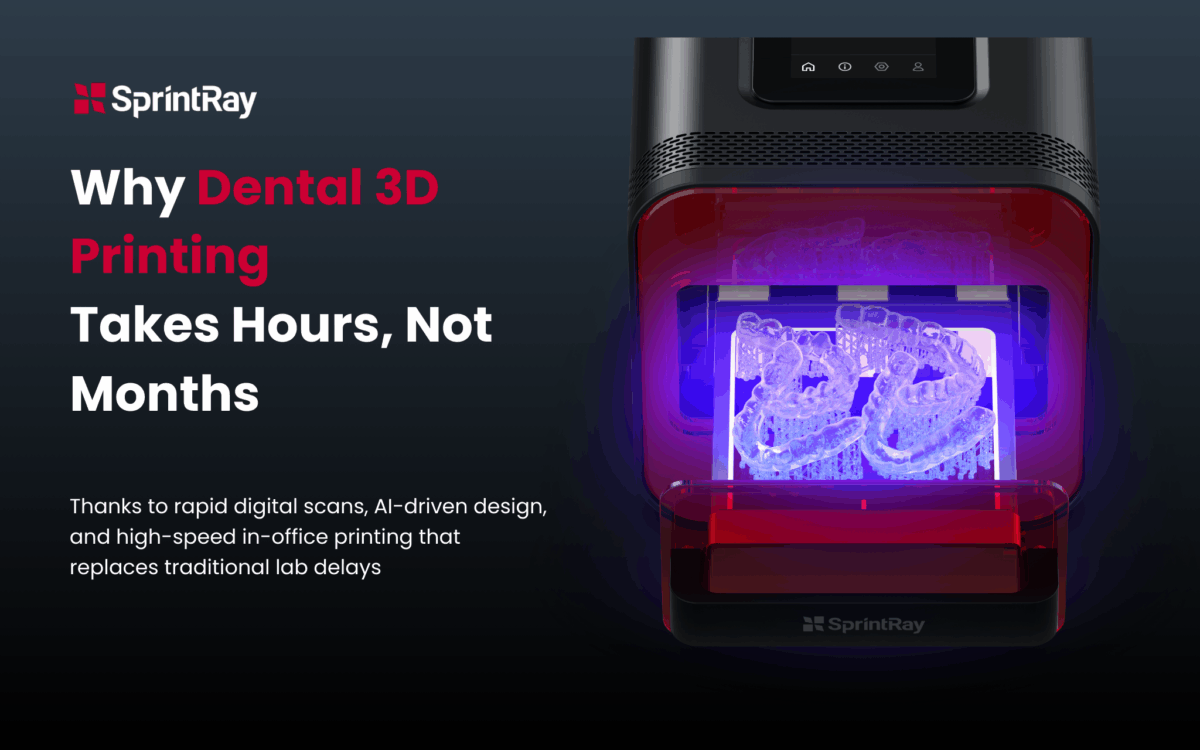
“We’d love to bring 3D printing in-house, but we just don’t have the time to train our team for months.”
If you’ve found yourself saying something similar, you’re not alone. It’s one of the most common concerns we hear from dental practices considering bringing chairside 3D printing into their practice. But there’s good news: You don’t have to.
This is a common misconception and a fundamental misunderstanding of how modern dental 3D printing actually works, at least when using the SprintRay ecosystem.
The idea that learning SprintRay takes months of intensive training is not just wrong; it’s keeping practices like yours from accessing same-day dentistry that could transform both their workflow and patient experience. Let’s separate fact from fiction and show you exactly what dental 3D printer training really looks like.
Reality Check: How Long Does It Take to Learn Dental 3D Printing?
Remember when you first learned your current CAD software? Whether it’s CEREC, 3Shape, or another platform, you probably spent weeks getting comfortable with the interface, learning the tools, and developing efficient workflows. The truth is, the learning curve for dental 3D printing with SprintRay is actually shorter than most dental CAD software systems.
Here’s why: While traditional 3D printers were designed for engineers and require deep technical knowledge, SprintRay was built specifically for dental professionals. Every aspect of the system—from the intuitive RayWare software to the automated resin management—was designed around how dental teams actually work.
The entire SprintRay ecosystem was engineered with dental staff delegation in mind. The limited default support settings mean that generally, prints are optimized for success, making the printer quite reliable. This isn’t complex manufacturing equipment masquerading as dental technology; it’s genuine dental technology that happens to use 3D printing.
Your Dental 3D Printer Implementation Timeline: What Really Happens
Let’s break down what actually happens when you bring SprintRay into your practice, day by day:
Day 1: Dental Practice 3D Printing Setup
Morning: SprintRay arrives and setup begins
Afternoon: First successful print completed
Time investment: 2-3 hours for setup and initial training
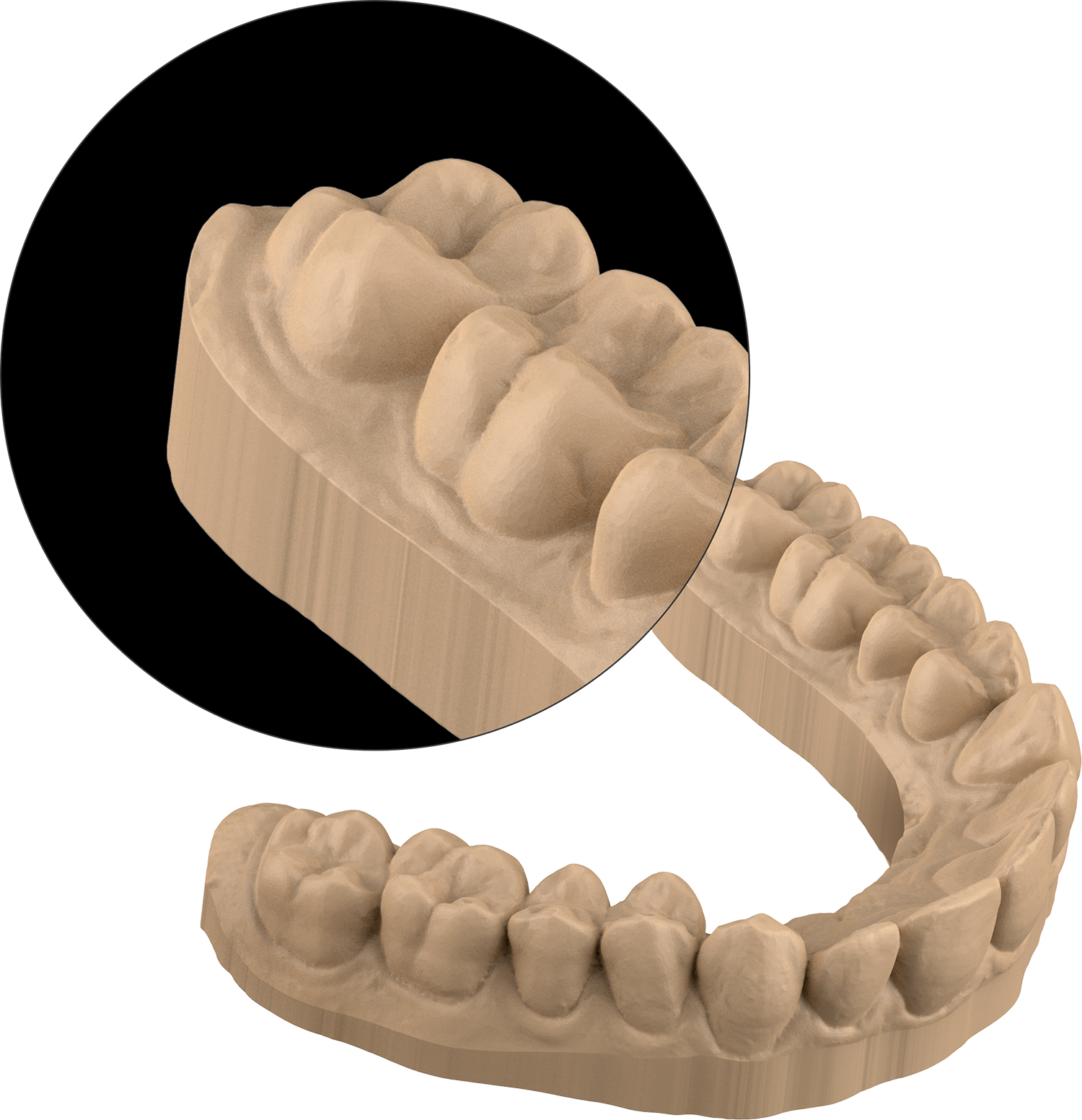
Yes, you can be up and printing day 1. Most practices like yours are genuinely surprised by this. The initial dental 3D printer setup process is streamlined, and the contextual on-screen guidance walks you through each step. By the end of your first day, you’re not just familiar with the system—you’ve already produced your first dental model—typically a simple study model or surgical guide that you can immediately evaluate for fit and accuracy.
Week 1: Building Dental 3D Printing Confidence
Days 2-7: Team members begin rotating through basic printing tasks
Focus: Understanding print preparation, material handling, and post-processing
Time investment: 30-45 minutes per team member for hands-on training
During this phase, your team members learn the fundamental dental 3D printer workflow: STL file preparation, print setup, and post-processing. The key insight here is that SprintRay’s dental-specific software eliminates most of the technical complexity that makes other 3D printers challenging. For example, instead of manually calculating support structures and print orientations—which requires understanding engineering principles—SprintRay’s RayWare software automatically optimizes these settings based on the type of dental restoration you’re printing. Where other systems might require you to adjust dozens of technical parameters, SprintRay simply asks “What are you printing?” and handles the complexity behind the scenes.
Month 1: Full Chairside 3D Printing Workflow Integration
Weeks 2-4: Advanced applications and workflow optimization
Focus: Surgical guides, aligners, and chairside integration
Time investment: 1-2 hours weekly for advanced technique development
By as soon as the end of your first month, your practice could be comfortably producing multiple types of dental applications and have integrated chairside 3D printing workflow into your standard procedures. Team members can confidently handle day-to-day printing tasks, and your dentist can focus on clinical applications rather than technical troubleshooting.
Month 3: Dental 3D Printing Optimization and Delegation
Months 2-3: Complete workflow mastery and advanced delegation
Focus: Maximum efficiency and expanded applications
Result: Full team proficiency with minimal dentist involvement in printing operations
At this point, practices like yours typically find that dental 3D printing has become as routine as taking impressions or running sterilization cycles. The technology fades into the background, and the focus shifts entirely to clinical benefits.
Staff Training Investment: How Long to Learn 3D Printing for Dentistry by Role
You’re likely worried about the steep learning curve and time investment for your team members, which is entirely fair. But the beauty of SprintRay’s design is that different team members need different levels of dental 3D printing training:
Dental Assistants (Primary Operators)
Initial training: 2-3 hours
Weekly time investment: 30 minutes for first month
Ongoing: Minimal supervision required after month 1
Dental assistants typically become the primary dental 3D printer operators. They handle file preparation, print setup, and post-processing. The intuitive interface and automated features make this a natural extension of their existing responsibilities.
Lab Technicians (If Applicable)
Initial training: 1-2 hours
Weekly time investment: 15 minutes for first month
Ongoing: Independent operation after week 2
Lab technicians often require the least dental 3D printing training since they’re already familiar with digital dental workflows. SprintRay integrates seamlessly with existing lab protocols.
Dentists (Clinical Integration)
Initial training: 1 hour
Weekly time investment: 30 minutes for first month
Ongoing: Focus shifts to clinical applications rather than equipment operation
Dentists need to understand the clinical applications and quality control, but don’t need to become printing technicians. The goal is clinical integration, not technical expertise.
Front Desk Staff (Optional)
Initial training: 30 minutes
Focus: Basic troubleshooting and patient communication
Benefit: Can answer basic patient questions about chairside 3D printing
While not essential, brief front desk training helps with patient communication and basic troubleshooting.
Dental 3D Printing Learning Curve: SprintRay vs. The Alternatives
SprintRay vs. Formlabs for Dental Practice 3D Printing
While both systems produce excellent results, there’s a significant difference in dental 3D printer training requirements that stems from their design philosophy.
Formlabs printers were originally designed for general manufacturing and adapted for dental use. This means more complex software, more manual calibration, and more technical knowledge required. You’ll need to understand concepts like layer adhesion, peel forces, and material chemistry to optimize your prints consistently.
SprintRay, by contrast, was built specifically for dental professionals from day one. This dental-first approach means the learning curve for dental 3D printing focuses on applications you already understand rather than engineering principles you’d need to master.
Training time comparison:
- SprintRay: 2-3 hours to basic proficiency, 1 month to full integration
- Formlabs: 4-6 hours to basic proficiency, 2-3 months to full workflow optimization
SprintRay vs. Traditional Lab Workflows
The most dramatic difference is compared to traditional lab workflows:
Traditional lab coordination:
- Multiple vendor relationships to manage
- Complex communication protocols
- Quality control challenges
- Shipping delays and logistics
SprintRay chairside 3D printing workflow:
- Single integrated system
- Immediate quality control
- Same-day delivery capability
- Direct patient communication about modifications
Dental 3D printing is a genuinely game-changing technology that is transforming rudimentary labor-intensive jobs across the dental sphere—skilled labor that is in increasingly short supply—into faster processes that slash time in some instances from weeks to hours.
Breaking Down the Real Barriers: Addressing Dental 3D Printer Implementation Concerns
Research has identified “lack of well-trained operators” as a potential barrier to dental 3D printing adoption in dental practices. But this concern is often based on outdated assumptions about 3D printing technology complexity.
The Technical Knowledge Myth
Many practitioners assume they need to understand the technical details of photopolymerization, light engines, and material chemistry. In reality, SprintRay’s automation handles these technical aspects. You only need to understand dental applications, not engineering principles.
The Time Investment Fear
Practices worry about taking team members away from patient care for extensive dental 3D printing training. The reality is that SprintRay training happens in short, manageable sessions that integrate with existing workflows rather than disrupting them.
The Complexity Assumption
The SprintRay team of dental experts has also developed its software and cloud offering. The SprintRay system is one of the easiest systems to use on the market, making it easy to delegate dental 3D printer tasks to trained team members.
The dental-specific design eliminates most complexity. Where general-purpose 3D printers require technical expertise, SprintRay provides guided workflows specifically designed for dental applications.
Why Dental-Specific Design Matters for 3D Printing Training
This is perhaps the most important point: SprintRay wasn’t adapted for dentistry—it was designed for dentistry from the ground up. This fundamental difference affects every aspect of the dental 3D printing training experience:
Intuitive Workflows for Dental 3D Printing
Instead of learning generic 3D printing concepts and then figuring out dental applications, SprintRay training focuses on dental workflows you already understand. The software thinks like a dental professional, not an engineer.
Automated Complexity
Features like automatic resin detection, contextual print settings, and guided support generation eliminate the technical decision-making that makes other dental 3D printers challenging to learn.
Dental-Specific Terminology
The interface uses dental terminology you already know rather than manufacturing jargon you’d need to learn.
Clinical Context
Training materials and workflows are built around real dental cases rather than abstract engineering examples.
The 90-Day Dental Practice 3D Printing Implementation Roadmap: Your Path to Success
Ready to move beyond the training myth and see what dental 3D printing with SprintRay can actually do for your practice? Here’s your roadmap:
Days 1-30: Foundation Phase
- Initial installation and team training
- First successful prints and workflow integration
- Basic application development (models, guides)
Days 31-60: Expansion Phase
- Advanced application training (aligners, surgical guides)
- Workflow optimization and efficiency improvements
- Team delegation and independence development
Days 61-90: Mastery Phase
- Complete workflow integration
- Advanced clinical applications
- ROI analysis and expansion planning
The Bottom Line: How Long Does Dental 3D Printer Training Really Take?
The “months of training” myth is keeping practices from accessing technology that could transform their patient care. The reality is that dental 3D printer training is measured in hours, not months, and the learning curve for dental 3D printing is shorter than most dental technology you’re already using successfully.
Within 30 days, your practice could be fully integrated and wondering why you waited so long. The combination of dental-specific design, intuitive workflows, and comprehensive support makes SprintRay one of the easiest dental technologies to implement.
The question isn’t whether your team can learn dental 3D printing—it’s whether you can afford to keep sending cases to the lab when you could be delivering same-day dentistry.
Ready to see the real dental 3D printing learning curve? Contact us today to schedule a demonstration and see exactly what bringing chairside 3D printing to your practice actually looks like. Once you realize that onboarding your new dental 3D printer isn’t as daunting as you thought, a huge barrier against bringing a 3D printer into your practice is removed.
Ready to move beyond the myths and see what SprintRay can do for your practice? Contact us today for a personalized demonstration and see why thousands of dental professionals have discovered that mastering dental 3D printing is easier than they ever imagined.